

Rebate Application Form
Please fill in required information and upload the necessary documents to process your Touch ‘n Go rebate

Please fill in required information and upload the necessary documents to process your Touch ‘n Go rebate
Note : We require your TNG eWallet account number, as rebates will only be credited to the valid account number provided


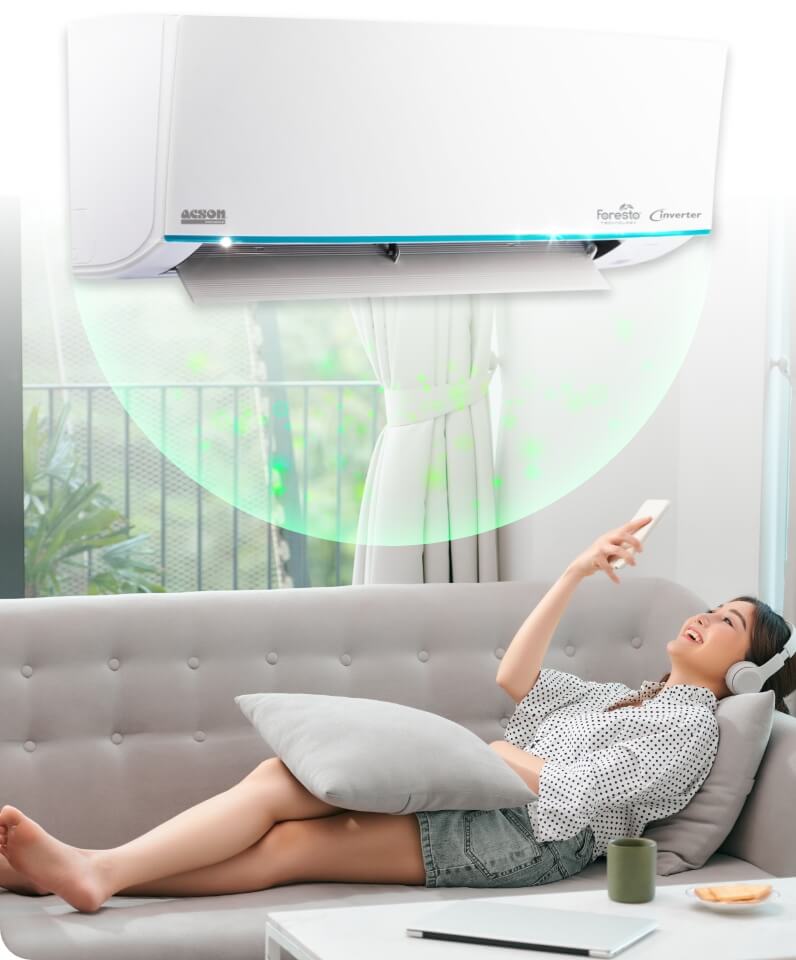
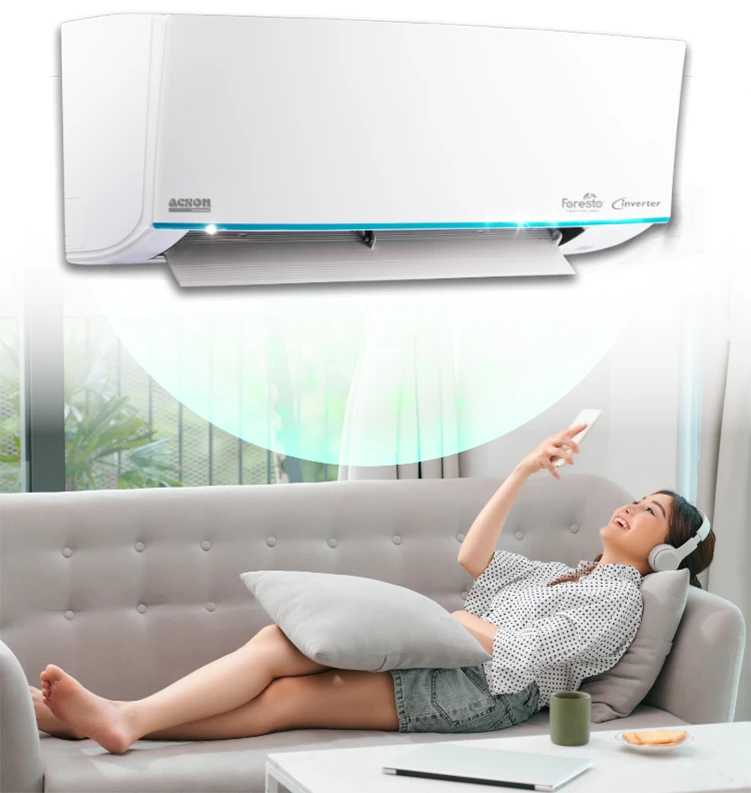

Anti Virus Technology
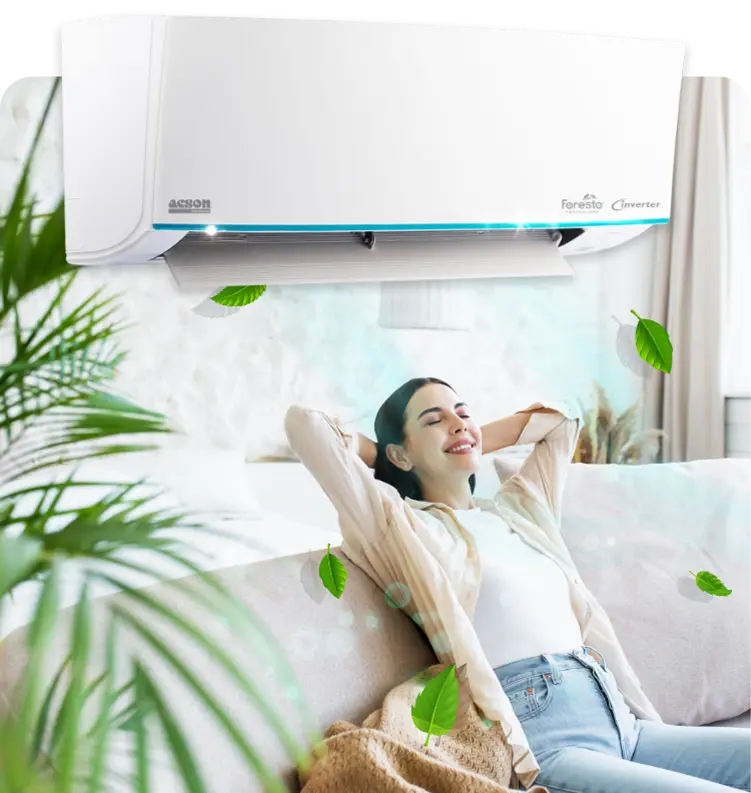
We understand how importance nature breeze is, that is why we incorporate Filtronz+ Anti Virus technology into our air conditioner. Acson Filtronz+ Filter eliminates your worries on indoor air quality with our advanced filter technology.
Filtronz+ Filter will not only traps airborne dust particles, but also decompose virus and reduce bacteria & fungus on the air filter surface.
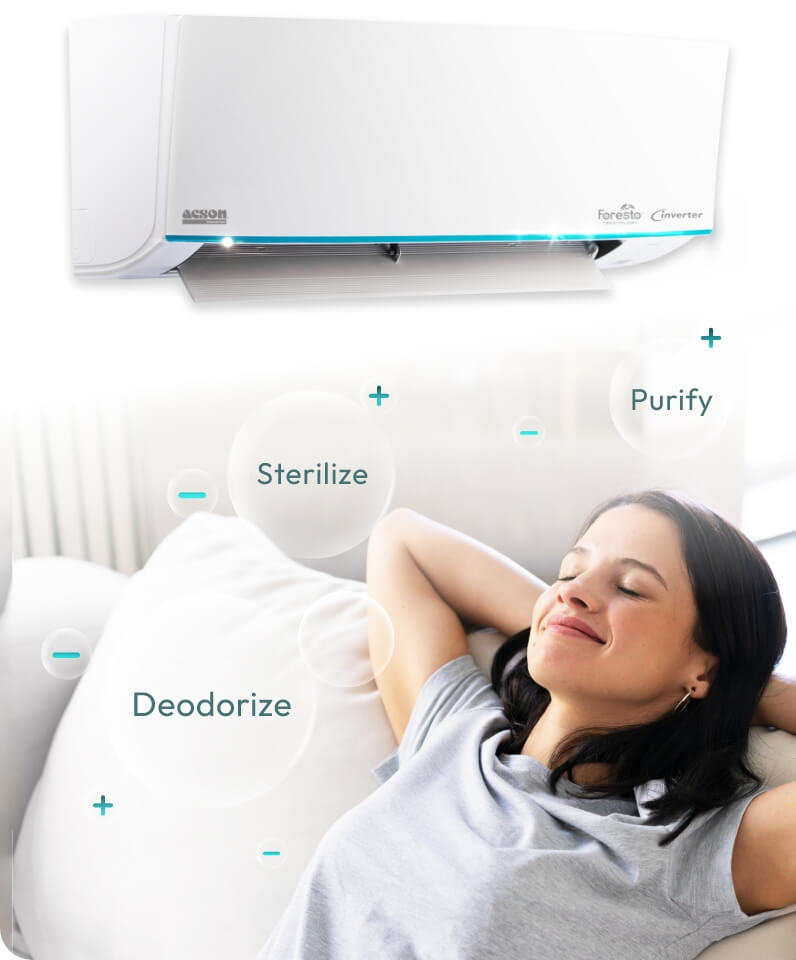
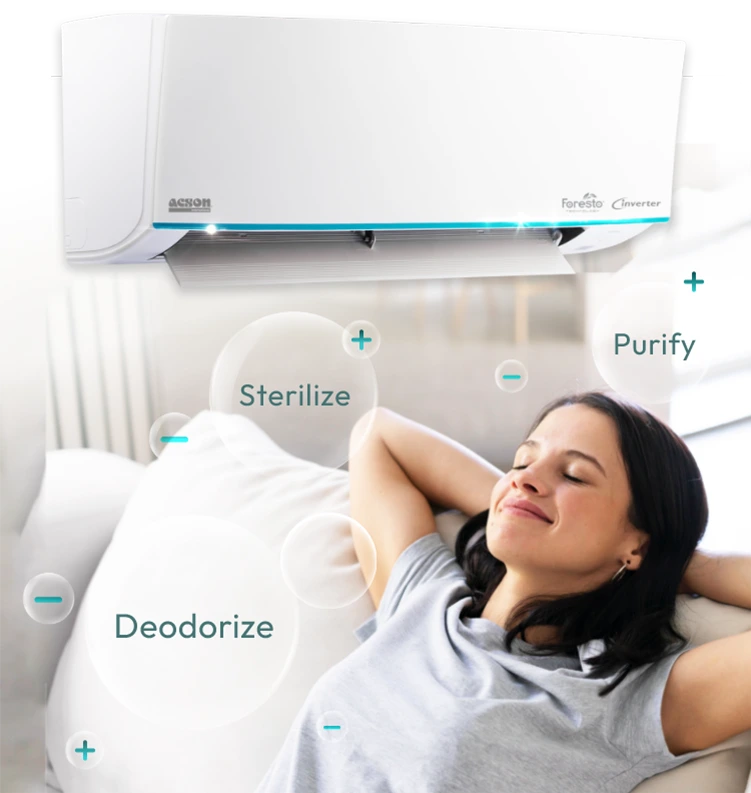

Deodorize, Sterilize, Purify
Acson PLUSMA utilizes cold plasma technology where massive positive and negative ions are produced. PLUSMA will deodorize, sterilize and purify air to give a fresher, healthier and more refreshing environment for better health and sustainability lifestyle. A PLUS for your health.
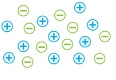
PLUSMA generates massive amount of positive IONS and even more negative IONS.

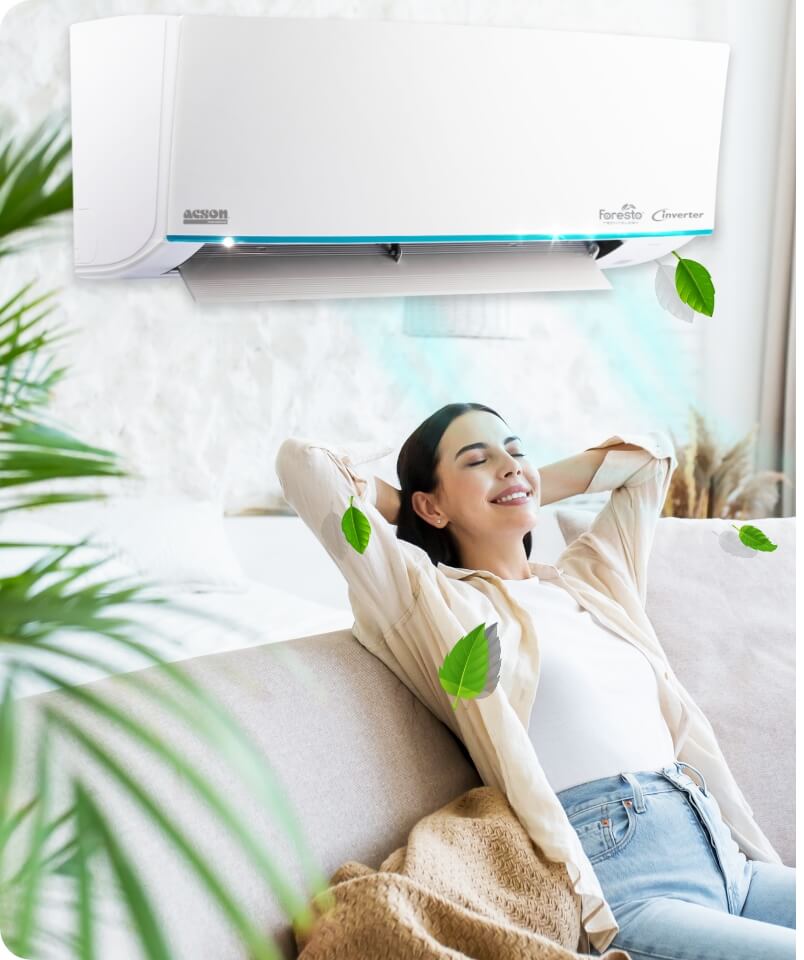
Greenery Refrigerant
R32 is a single component refrigerant and used to be one of the components of R410A. It is remarkable for its low environmental impact. In other words, it also consists of zero Ozone Depletion Potential (ODP) and helps to preserve global climate changes.
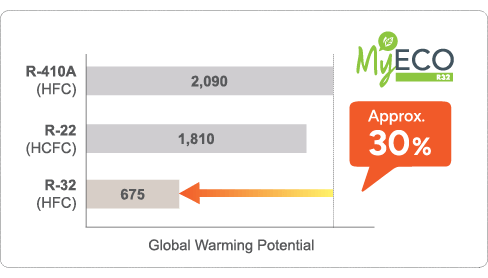
The R32 refrigerant has a low Global Warming Potential (GWP), which one-third lower as compared to R410A.
Anti Virus Technology
We understand how importance nature breeze is, that is why we incorporate Filtronz+ Anti Virus technology into our air conditioner. Acson Filtronz+ Filter eliminates your worries on indoor air quality with our advanced filter technology.
Filtronz+ Filter will not only traps airborne dust particles, but also decompose virus and reduce bacteria & fungus on the air filter surface.
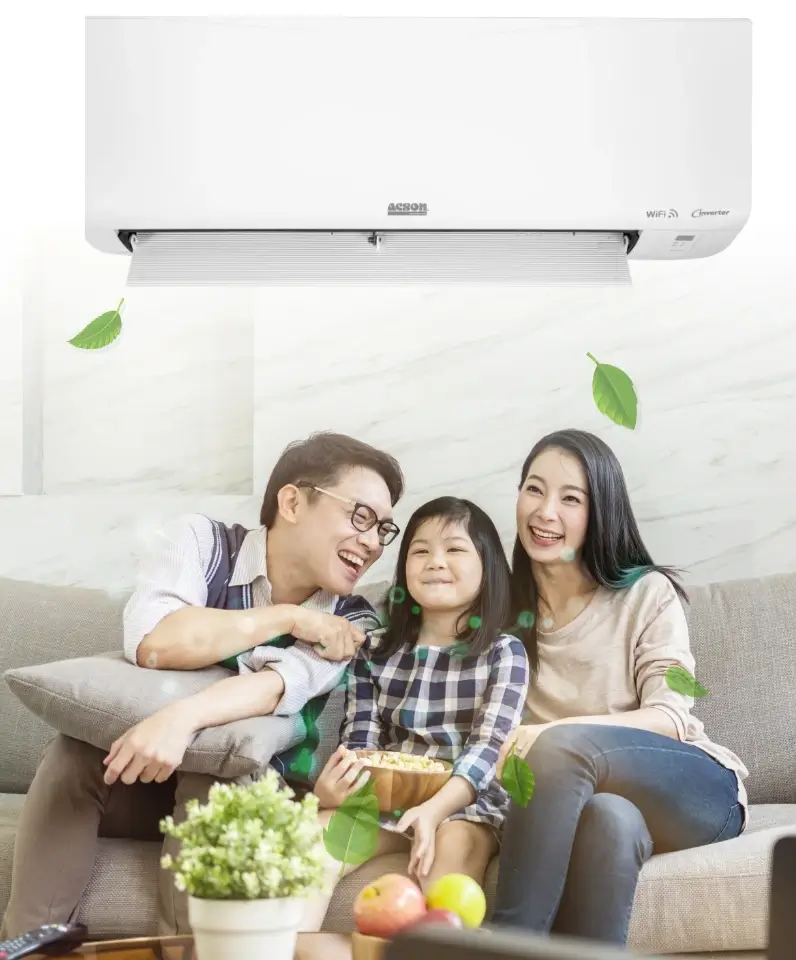
Greenery Refrigerant
R32 is a single component refrigerant and used to be one of the components of R410A. It is remarkable for its low environmental impact. In other words, it also consists of zero Ozone Depletion Potential (ODP) and helps to preserve global climate changes.
The R32 refrigerant has a low Global Warming Potential (GWP), which one-third lower as compared to R410A.
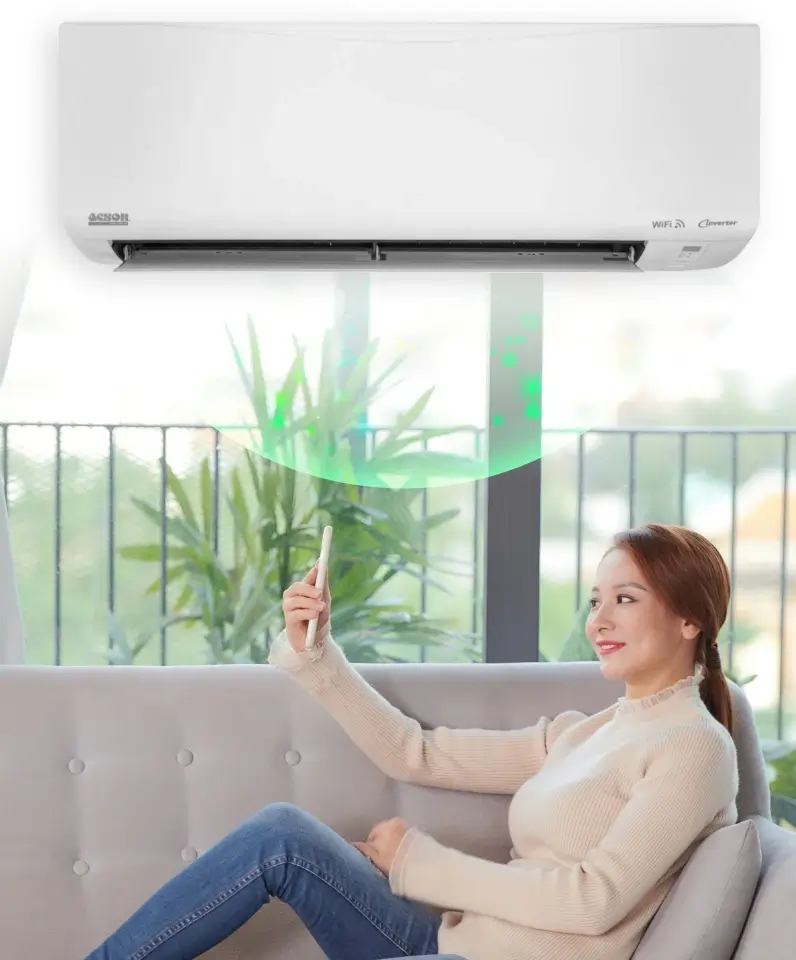
Anti Virus Technology
We understand how importance nature breeze is, that is why we incorporate Filtronz+ Anti Virus technology into our air conditioner. Acson Filtronz+ Filter eliminates your worries on indoor air quality with our advanced filter technology.
Filtronz+ Filter will not only traps airborne dust particles, but also decompose virus and reduce bacteria & fungus on the air filter surface.
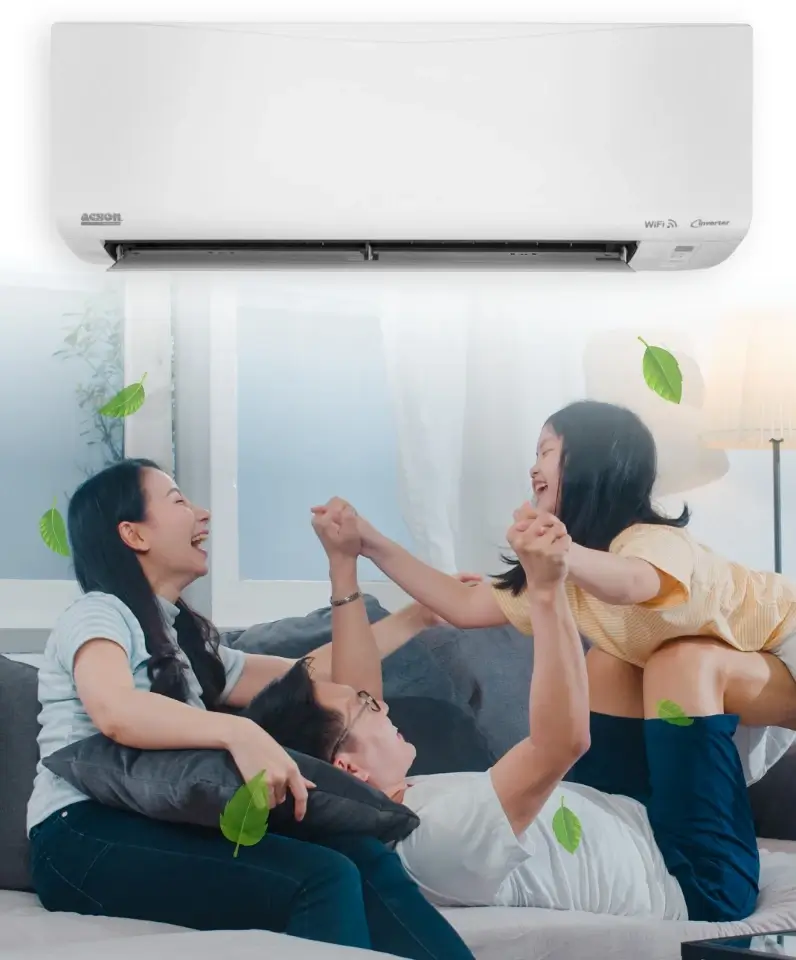
Greenery Refrigerant
R32 is a single component refrigerant and used to be one of the components of R410A. It is remarkable for its low environmental impact. In other words, it also consists of zero Ozone Depletion Potential (ODP) and helps to preserve global climate changes.
The R32 refrigerant has a low Global Warming Potential (GWP), which one-third lower as compared to R410A.

Anti Virus Technology
We understand how importance nature breeze is, that is why we incorporate Filtronz+ Anti Virus technology into our air conditioner. Acson Filtronz+ Filter eliminates your worries on indoor air quality with our advanced filter technology.
Filtronz+ Filter will not only traps airborne dust particles, but also decompose virus and reduce bacteria & fungus on the air filter surface.

Greenery Refrigerant
R32 is a single component refrigerant and used to be one of the components of R410A. It is remarkable for its low environmental impact. In other words, it also consists of zero Ozone Depletion Potential (ODP) and helps to preserve global climate changes.
The R32 refrigerant has a low Global Warming Potential (GWP), which one-third lower as compared to R410A.
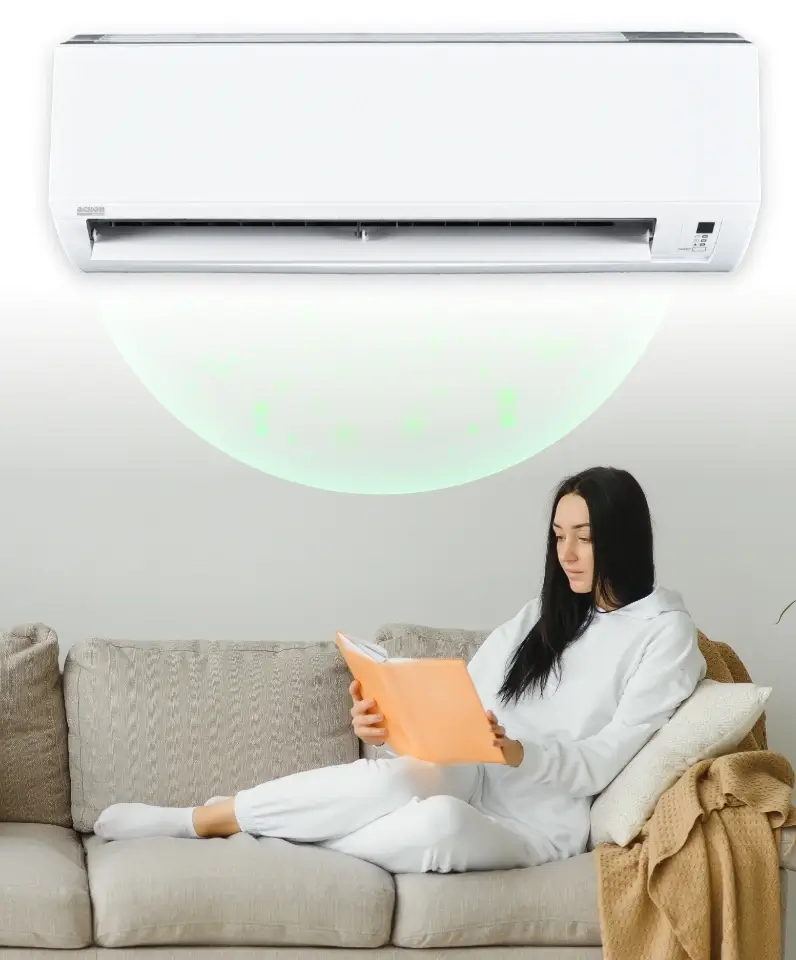
Anti Virus Technology
We understand how importance nature breeze is, that is why we incorporate Filtronz+ Anti Virus technology into our air conditioner. Acson Filtronz+ Filter eliminates your worries on indoor air quality with our advanced filter technology.
Filtronz+ Filter will not only traps airborne dust particles, but also decompose virus and reduce bacteria & fungus on the air filter surface.
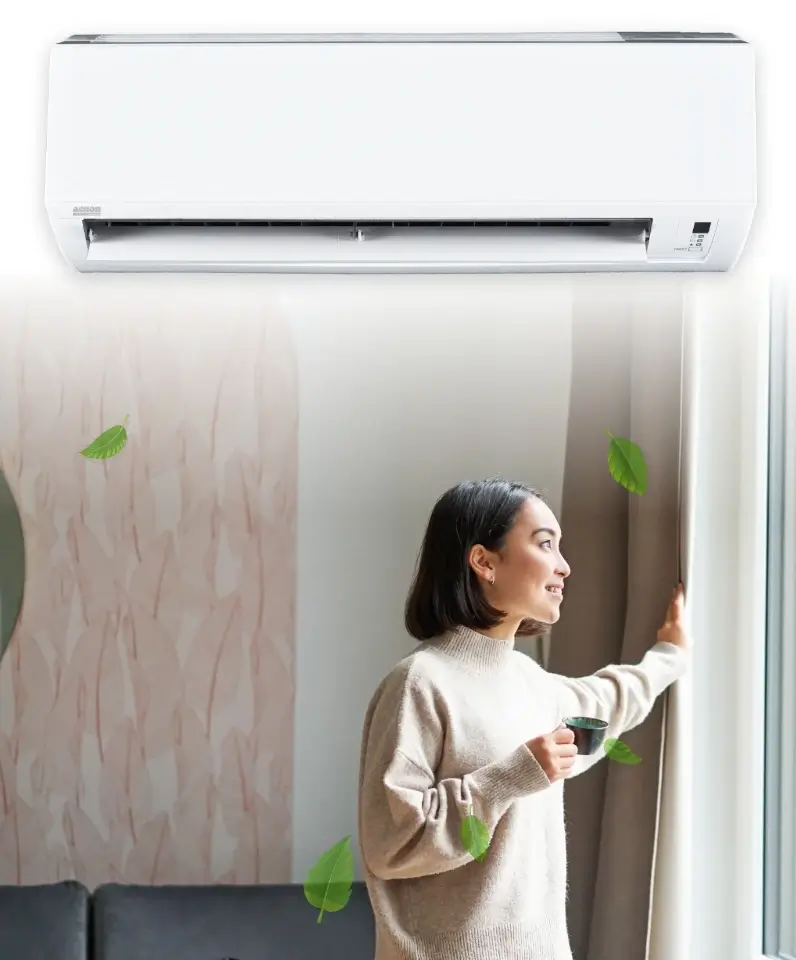
Greenery Refrigerant
R32 is a single component refrigerant and used to be one of the components of R410A. It is remarkable for its low environmental impact. In other words, it also consists of zero Ozone Depletion Potential (ODP) and helps to preserve global climate changes.
The R32 refrigerant has a low Global Warming Potential (GWP), which one-third lower as compared to R410A.
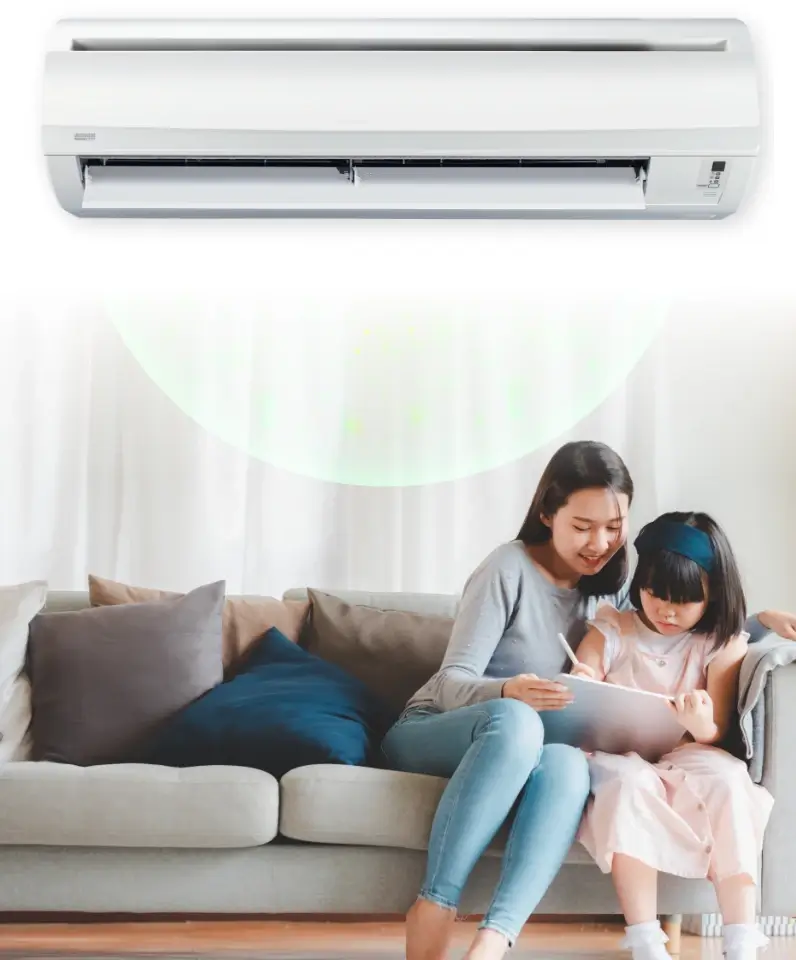
Anti Virus Technology
We understand how importance nature breeze is, that is why we incorporate Filtronz+ Anti Virus technology into our air conditioner. Acson Filtronz+ Filter eliminates your worries on indoor air quality with our advanced filter technology.
Filtronz+ Filter will not only traps airborne dust particles, but also decompose virus and reduce bacteria & fungus on the air filter surface.
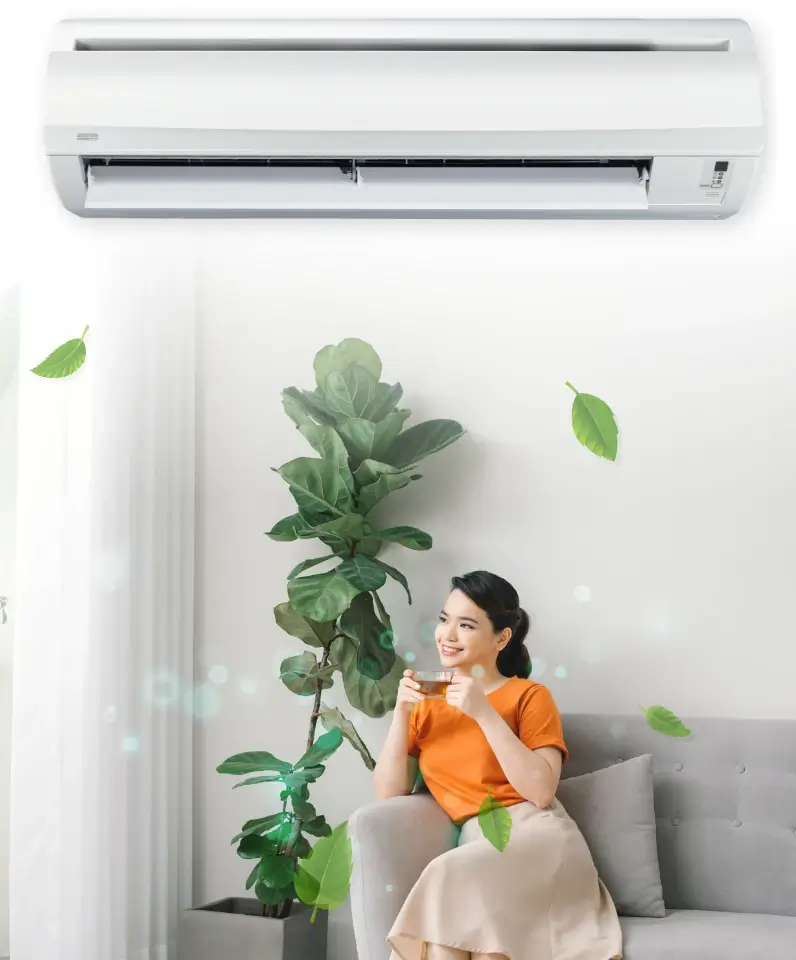
Greenery Refrigerant
R32 is a single component refrigerant and used to be one of the components of R410A. It is remarkable for its low environmental impact. In other words, it also consists of zero Ozone Depletion Potential (ODP) and helps to preserve global climate changes.
The R32 refrigerant has a low Global Warming Potential (GWP), which one-third lower as compared to R410A.
Withstand
Voltage Fluctuations
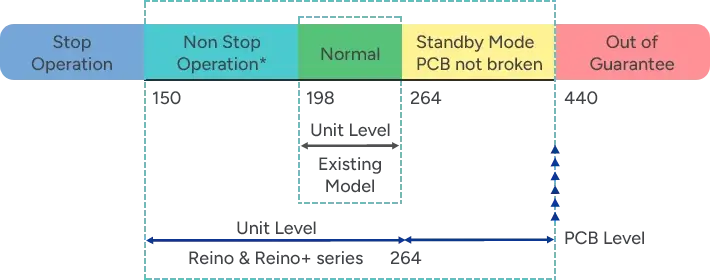
Acson’s ULTRA Printed Circuit Board (PCB) are specially strengthened to withstand voltage fluctuations. This allow our PCB to operate across wide ranges of voltages in areas with unstable power supply. With new ULTRA PCB, the air conditioner unit are able to operate at 150V to 264V, and able to withstand voltage fluctuations from 0V to 440V
Anti Virus Technology
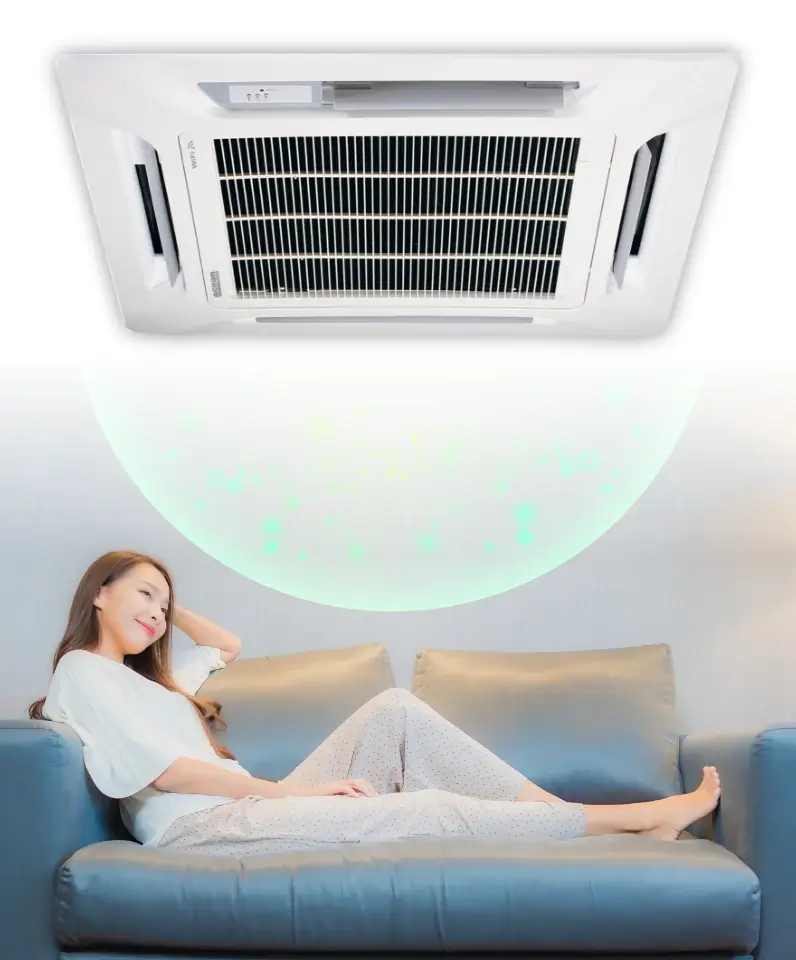
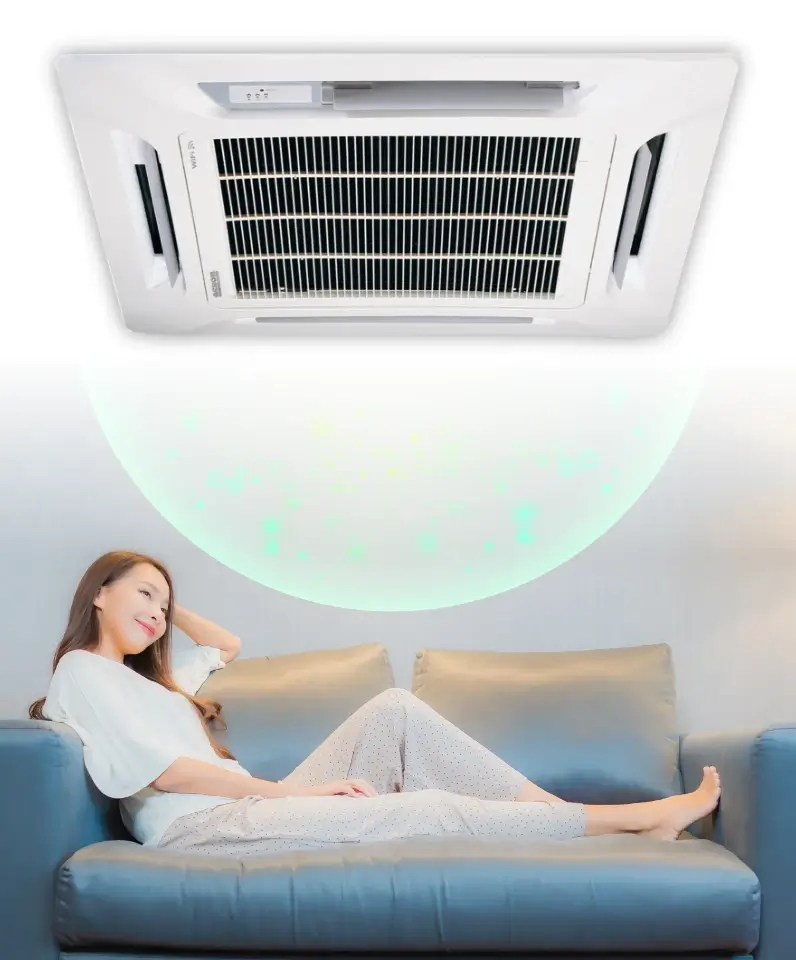
We understand how importance nature breeze is, that is why we incorporate Filtronz+ Anti Virus technology into our air conditioner. Acson Filtronz+ Filter eliminates your worries on indoor air quality with our advanced filter technology.
Filtronz+ Filter will not only traps airborne dust particles, but also decompose virus and reduce bacteria & fungus on the air filter surface.
Deodorize, Sterilize, Purify
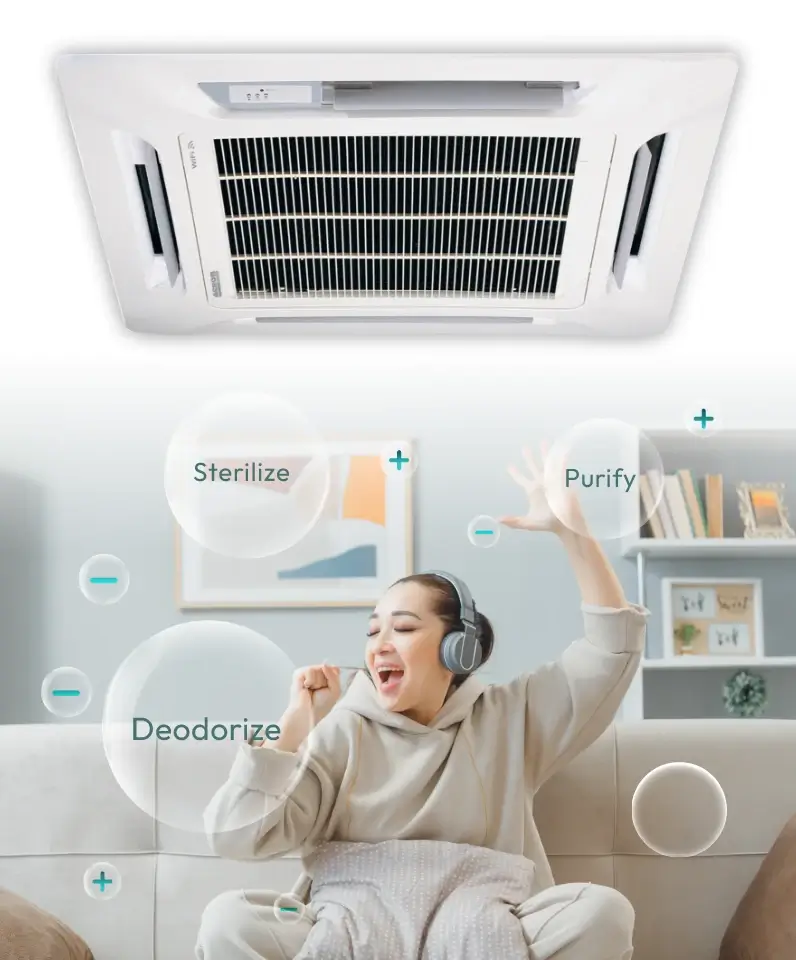
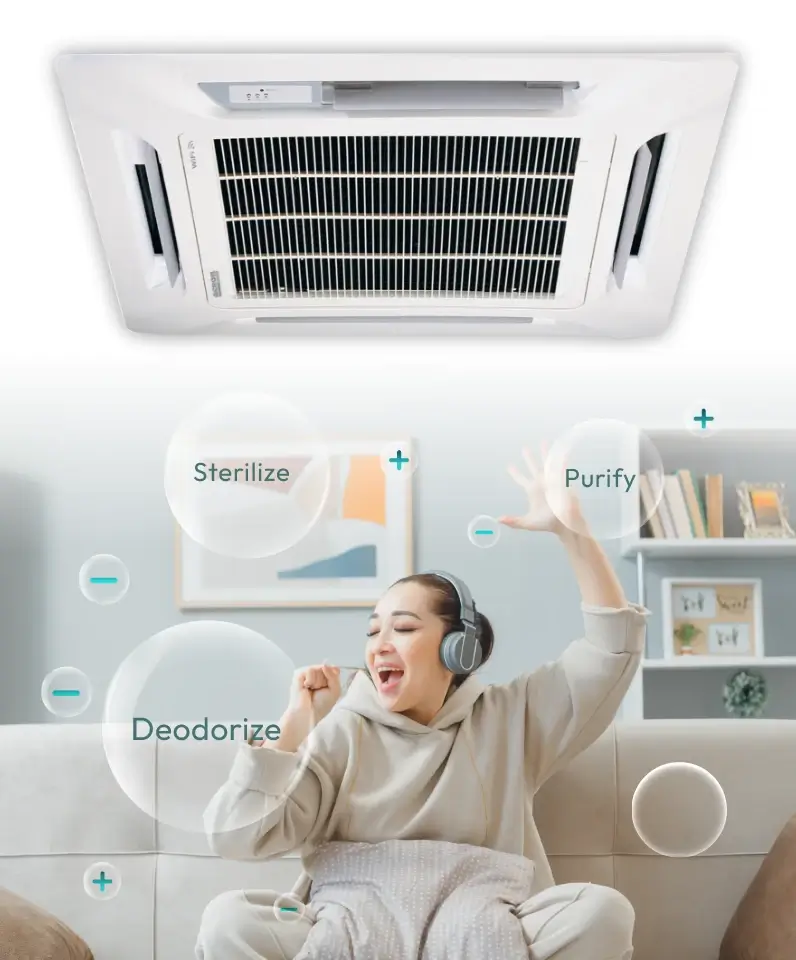
Acson PLUSMA utilizes cold plasma technology where massive positive and negative ions are produced. PLUSMA will deodorize, sterilize and purify air to give a fresher, healthier and more refreshing environment for better health and sustainability lifestyle. A PLUS for your health.
PLUSMA generates massive amount of positive IONS and even more negative IONS.


Greenery Refrigerant
R32 is a single component refrigerant and used to be one of the components of R410A. It is remarkable for its low environmental impact. In other words, it also consists of zero Ozone Depletion Potential (ODP) and helps to preserve global climate changes.
The R32 refrigerant has a low Global Warming Potential (GWP), which one-third lower as compared to R410A.
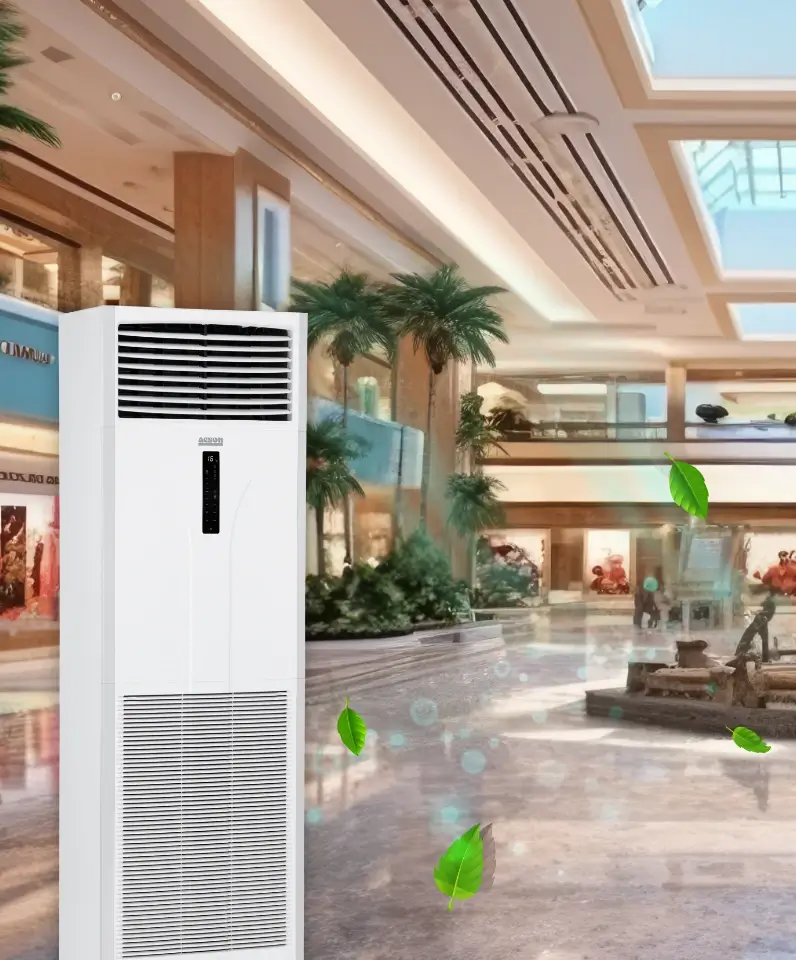
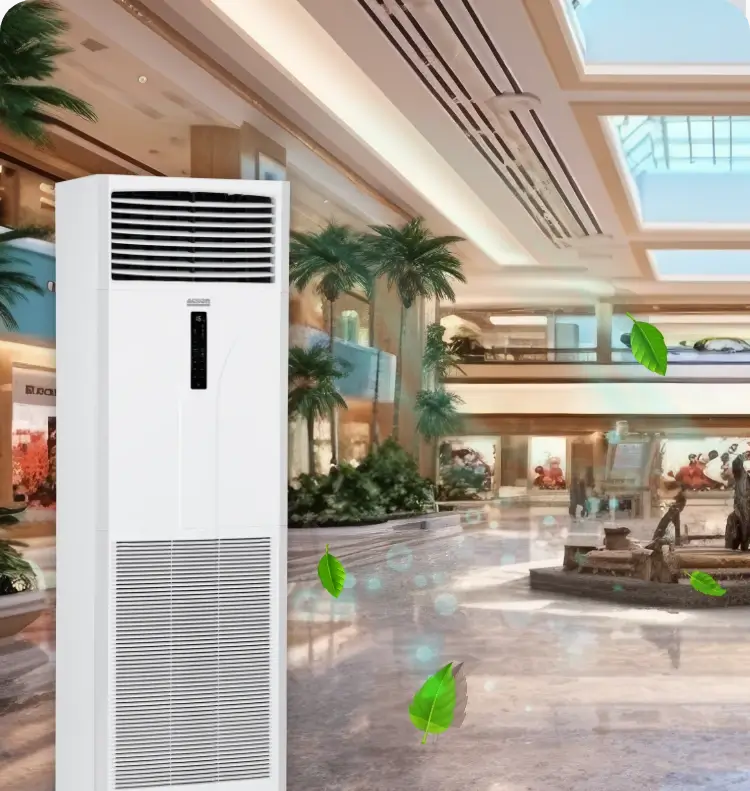
Greenery Refrigerant
R32 is a single component refrigerant and used to be one of the components of R410A. It is remarkable for its low environmental impact. In other words, it also consists of zero Ozone Depletion Potential (ODP) and helps to preserve global climate changes.
The R32 refrigerant has a low Global Warming Potential (GWP), which one-third lower as compared to R410A.
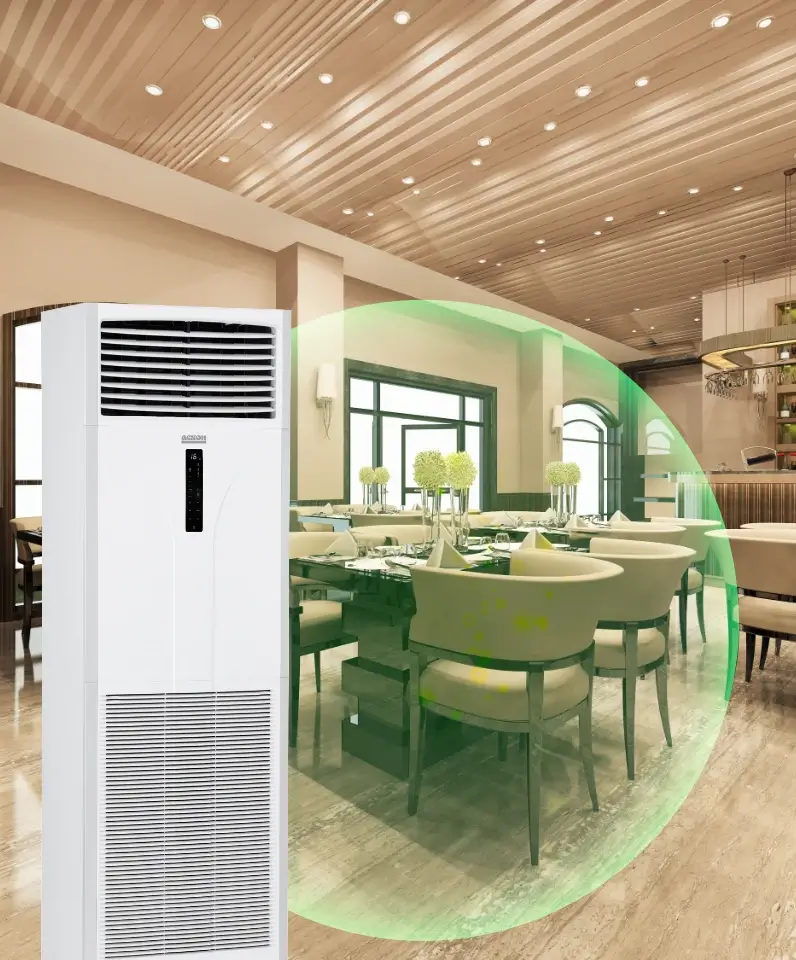
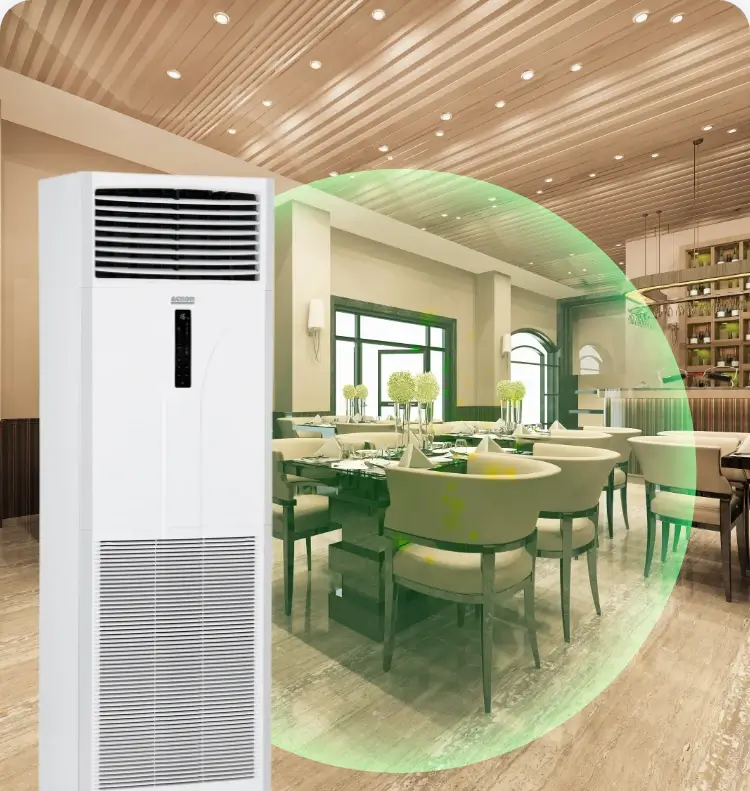
Deodorize, Sterilize, Purify
Acson PLUSMA utilizes cold plasma technology where massive positive and negative ions are produced. PLUSMA will deodorize, sterilize and purify air to give a fresher, healthier and more refreshing environment for better health and sustainability lifestyle. A PLUS for your health.
PLUSMA generates massive amount of positive IONS and even more negative IONS.
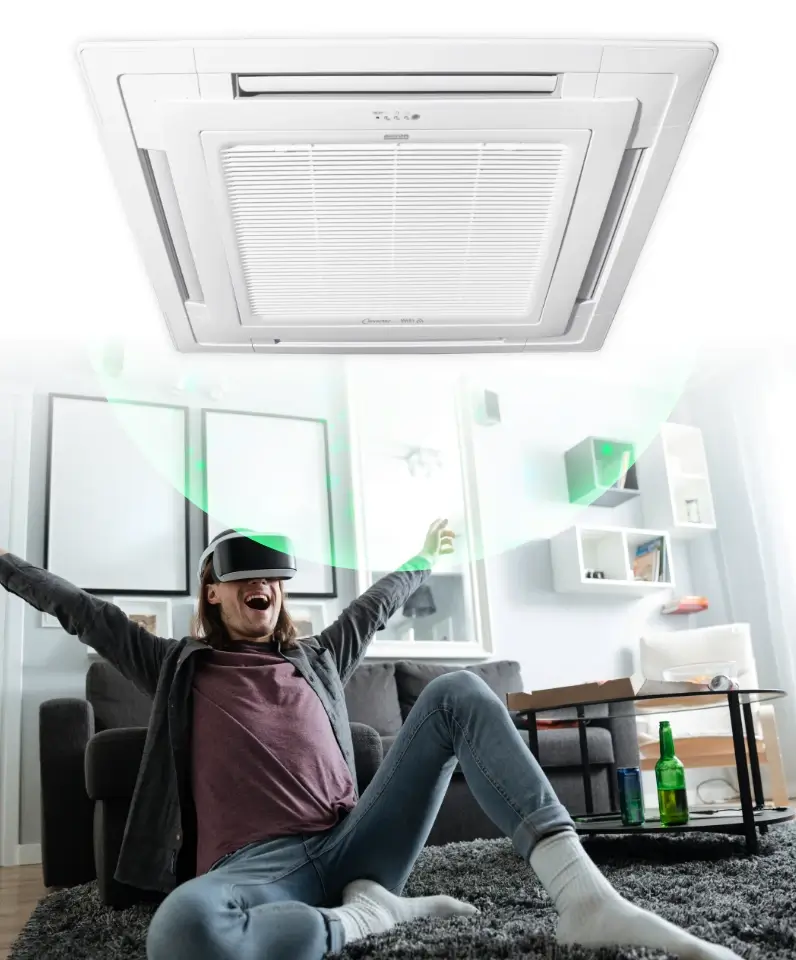
Anti Virus Technology
We understand how importance nature breeze is, that is why we incorporate Filtronz+ Anti Virus technology into our air conditioner. Acson Filtronz+ Filter eliminates your worries on indoor air quality with our advanced filter technology.
Filtronz+ Filter will not only traps airborne dust particles, but also decompose virus and reduce bacteria & fungus on the air filter surface.
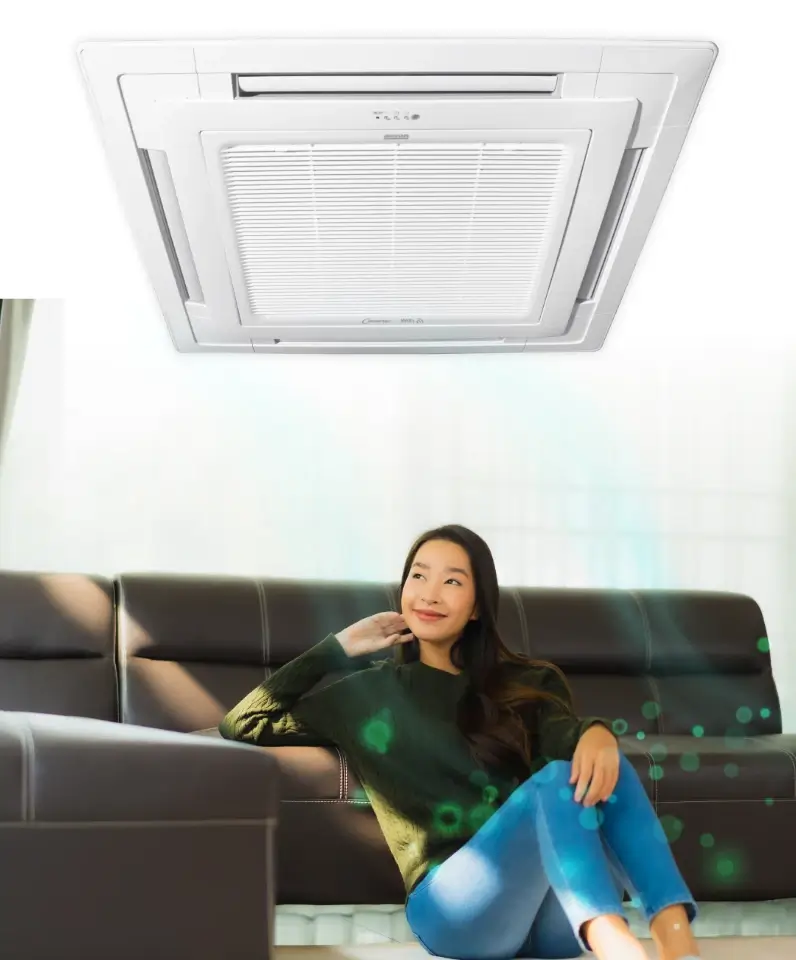
Greenery Refrigerant
R32 is a single component refrigerant and used to be one of the components of R410A. It is remarkable for its low environmental impact. In other words, it also consists of zero Ozone Depletion Potential (ODP) and helps to preserve global climate changes.
The R32 refrigerant has a low Global Warming Potential (GWP), which one-third lower as compared to R410A.
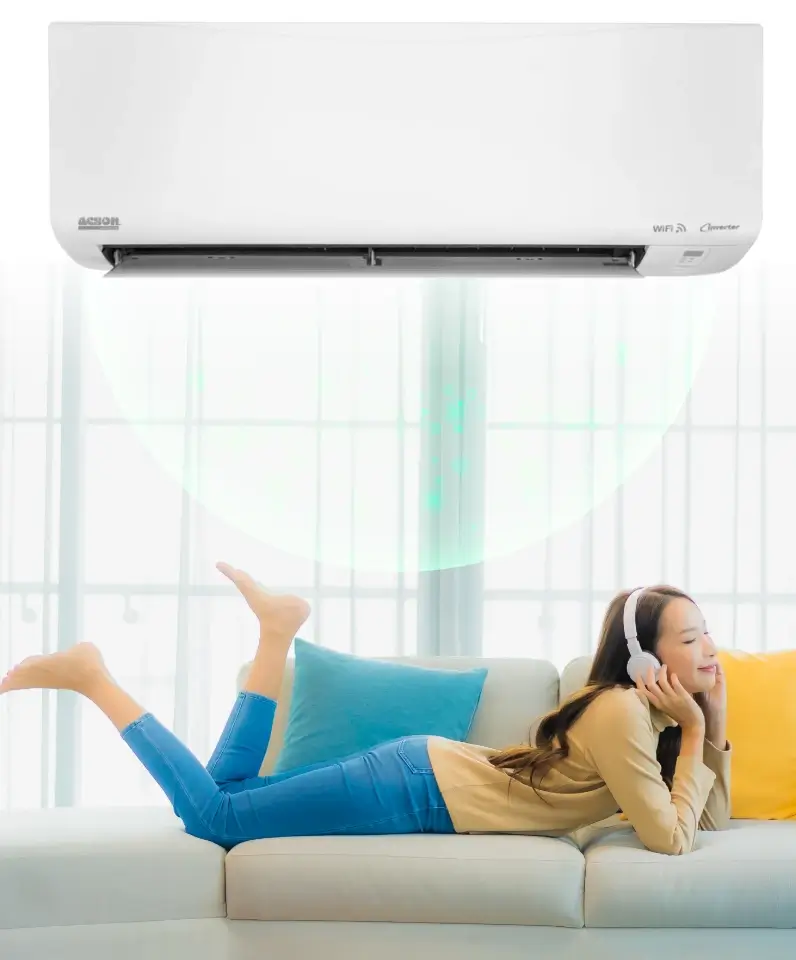
Anti Virus Technology
We understand how importance nature breeze is, that is why we incorporate Filtronz+ Anti Virus technology into our air conditioner. Acson Filtronz+ Filter eliminates your worries on indoor air quality with our advanced filter technology.
Filtronz+ Filter will not only traps airborne dust particles, but also decompose virus and reduce bacteria & fungus on the air filter surface.
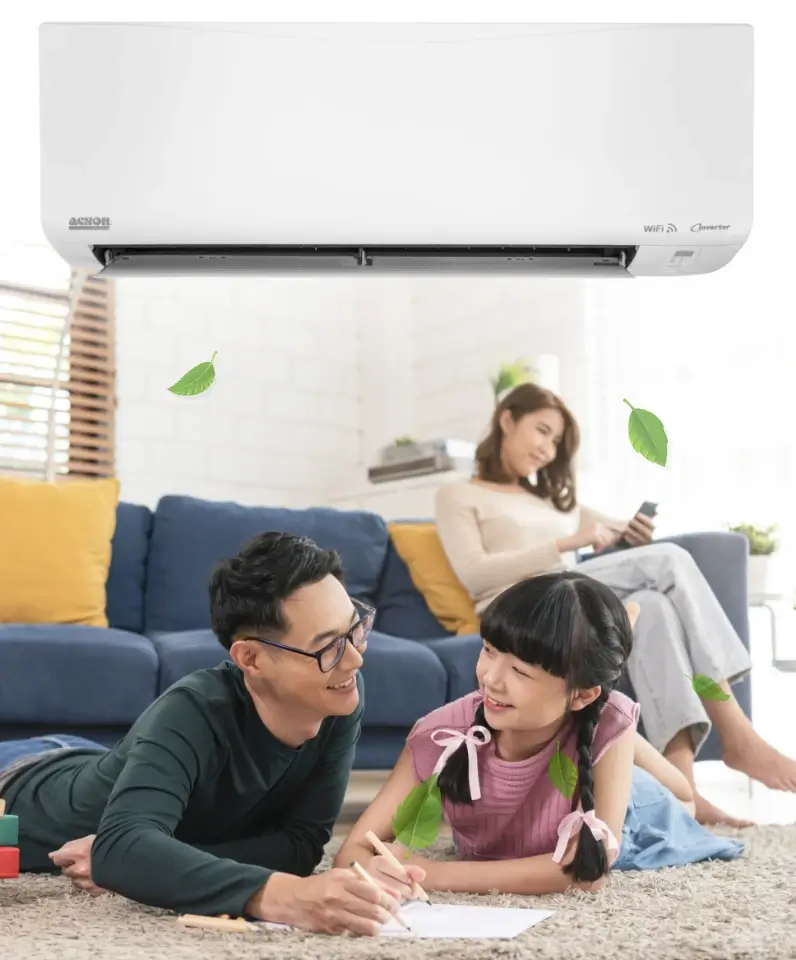
Greenery Refrigerant
R32 is a single component refrigerant and used to be one of the components of R410A. It is remarkable for its low environmental impact. In other words, it also consists of zero Ozone Depletion Potential (ODP) and helps to preserve global climate changes.
The R32 refrigerant has a low Global Warming Potential (GWP), which one-third lower as compared to R410A.
Withstand
Voltage Fluctuations
Acson’s ULTRA Printed Circuit Board (PCB) are specially strengthened to withstand voltage fluctuations. This allow our PCB to operate across wide ranges of voltages in areas with unstable power supply. With new ULTRA PCB, the air conditioner unit are able to operate at 150V to 264V, and able to withstand voltage fluctuations from 0V to 440V